
To create an account, please visit Moverbase.com and select Get A Free Account or Free Account on the top righthand corner. Once you create an account in MoverBase it’s easy to get set up and start managing your moving jobs right away.
INSTRUCTIONS
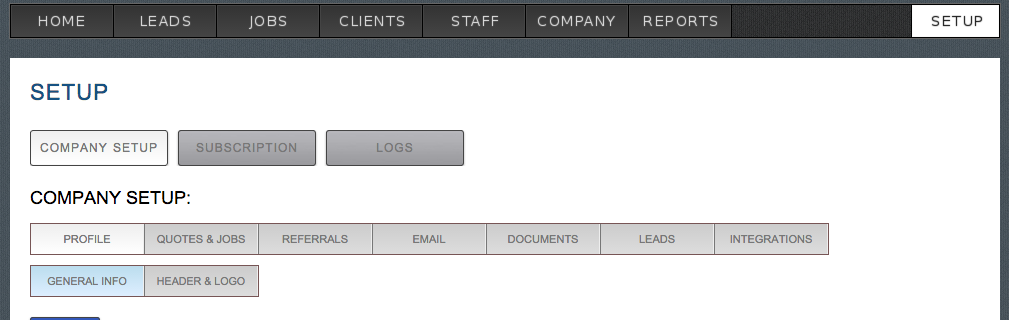
Complete the information in each tab in the company setup section:
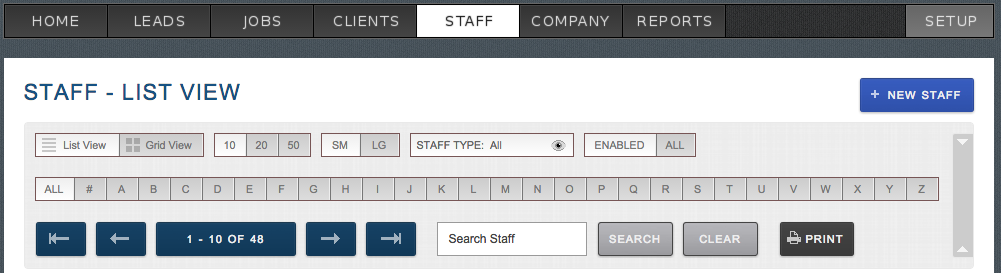
Add your moving staff and make them available to schedule for jobs:
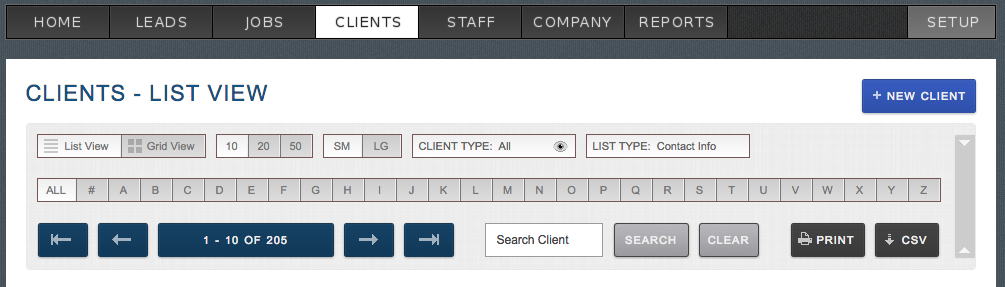
Add a client:
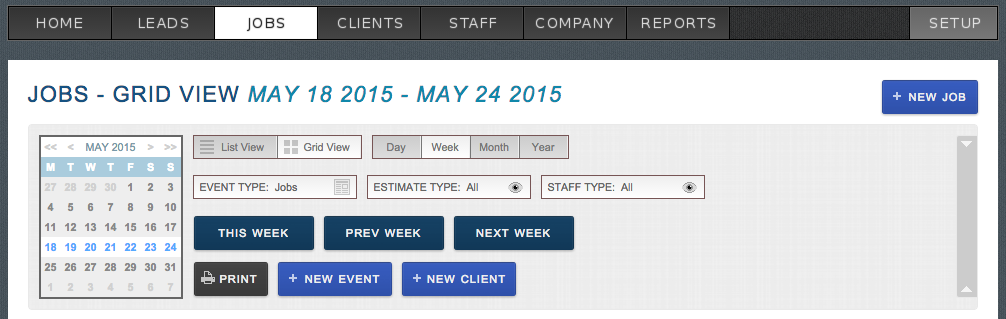
Create your first job
You have now successfully setup your Moverbase account. Feel free to schedule a Demo or give us a call anytime if you have any questions!