
All account owner changes must be done by the Moverbase team.
Send an email to support@moverbase.com from the current account owner email. In the body, please provide the new email you want to change to account owner and a reason for the change. 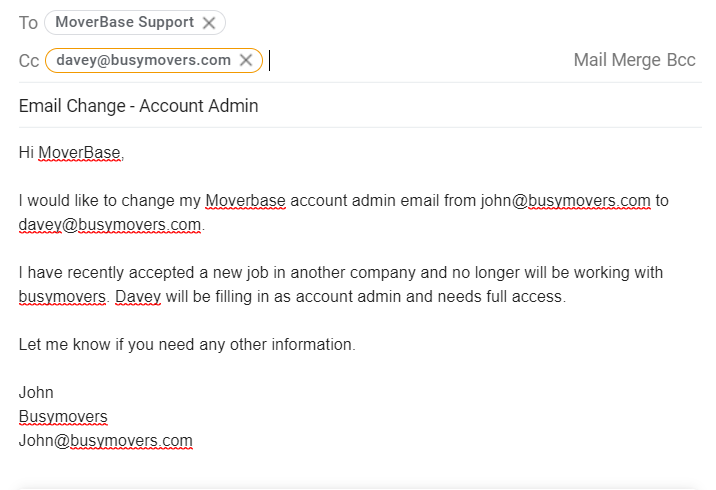
- Additional verification or documents may be required to ascertain the identity of the owner.
- Once Moverbase makes the change you will be sent a password reset to the new email.
Please contact support@moverbase.com or call us at 888 938 5054 ex. 2 with any additional questions you may have.